Choose a look
Discover a piece in the catalog and take it into the studio.
 MyTryOnStudioOpen studio ↗
Fashion, made personal
Your photo. Your style. A new way to imagine what comes next—with AI-powered virtual try-on.
Individual style. Couples looks. Creative possibilities.
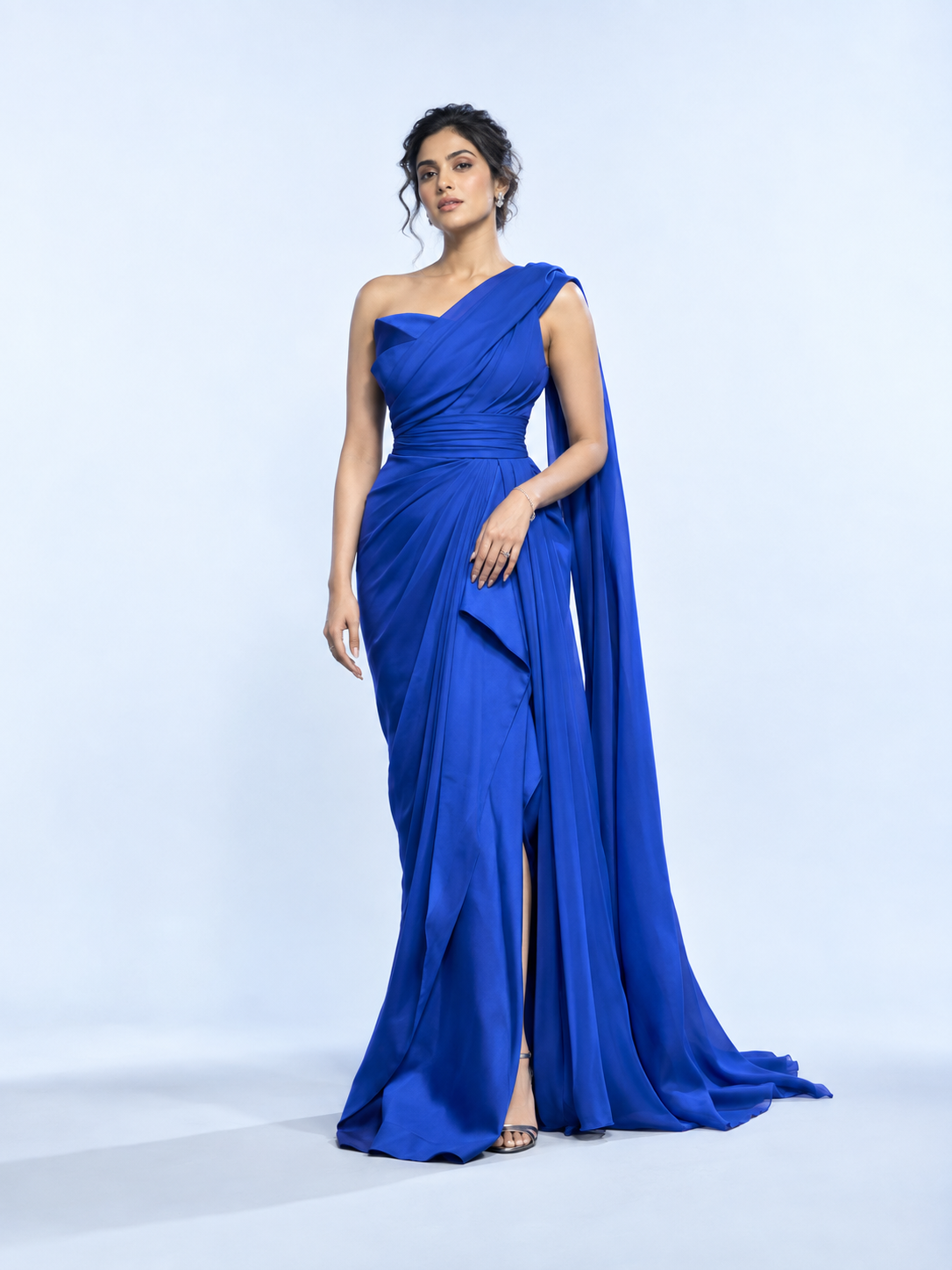
Meet your new fitting-room moment
Product photos show the outfit. MyTryOnStudio helps shoppers imagine the look on themselves. Bring personal exploration into the shopping journey, from first discovery to a saved favourite.
Virtual try-on is a visual styling experience. It does not predict size or guarantee physical fit.
Discover a piece in the catalog and take it into the studio.
Upload your photo or reuse a saved one to create a try-on.
Try creative poses, create motion, and save the looks you love.
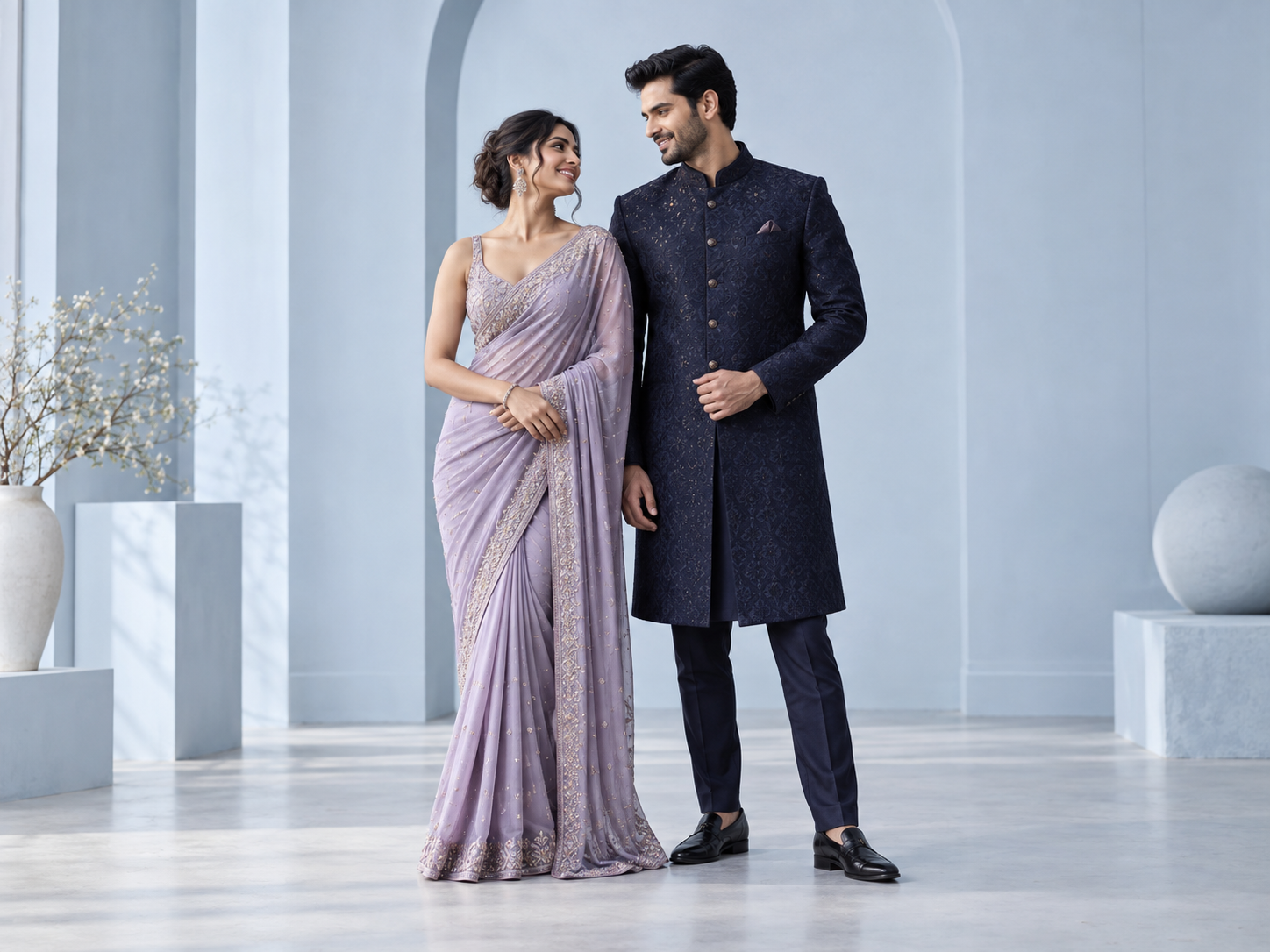 For the moments you share
The couples studio
Bring two people and two outfit choices into a shared composition. Explore coordinated looks for celebrations, occasions, and everything worth dressing up for.
Explore together ↗A look is just the beginning
Explore standing and walking pose variations to see a new side of your look.
Turn a generated look into an AI video, with a transition workflow for couples.
Revisit generation history, view results up close, and download favourites.
MyTryOnStudio for Chrome
Add the MyTryOnStudio extension to Chrome and bring try-on to the shopping sites you already use. Spot something you like, pick the product photo, and see it on yourself—right beside the store’s page, without leaving it.
Coming soon A one-click try-on button, right on the edge of your favourite shopping sites.
Install the extension and sign in with your MyTryOnStudio account.
Click the MyTryOnStudio icon in Chrome’s toolbar, choose “Choose product image”, then click the product photo you want to try.
Choose your photo and get your try-on in the side panel—saved to your studio history to revisit later.
For Google Chrome on desktop.
Soon you’ll be able to tell the extension what you’re trying on, and it will put the piece exactly where it belongs.
Necklaces, earrings, bangles and rings—placed where you’d wear them.
Swap in a new blouse while your saree and its drape stay just as they are.
See the pair on your feet, at the right size for your stance.
On your wrist, dial facing out, sized to you.
MyTryOnStudio for iPhone and Android
The MyTryOnStudio app is coming to the App Store and Google Play. Take a photo or pick one from your gallery, find a look in the catalog or on your favourite shopping sites inside the app, and see it on yourself, with every look kept in one closet.
Coming soon On iPhone and Android.
Snap one with your camera or choose one from your gallery.
Browse the catalog, or shop your favourite sites inside the app and tap the piece you like.
Get your try-on in moments, then add poses, a short video, or a look for two.
Until the app arrives, the studio works in your phone’s browser too.
Everything you do in the studio today, made for one hand.
Your photo, the piece you love, seen on you.
Coordinate looks with a partner in one picture.
New poses and a short video from any look.
Every look saved, ready to revisit or share.
For fashion retailers
Give your collection a place in the shopper’s imagination. Bring discovery, creative exploration, and operational control into one product.
Catalog search, wishlists, and a shopping assistant with stock checks support product exploration.
Saved photos and generation history help shoppers return to their creative journey.
Product administration, credits, quotas, and studio usage reporting support day-to-day management.
Multi-tenant foundations and configurable service credentials support tailored deployments. Availability depends on your deployment setup.
In-store digital standee
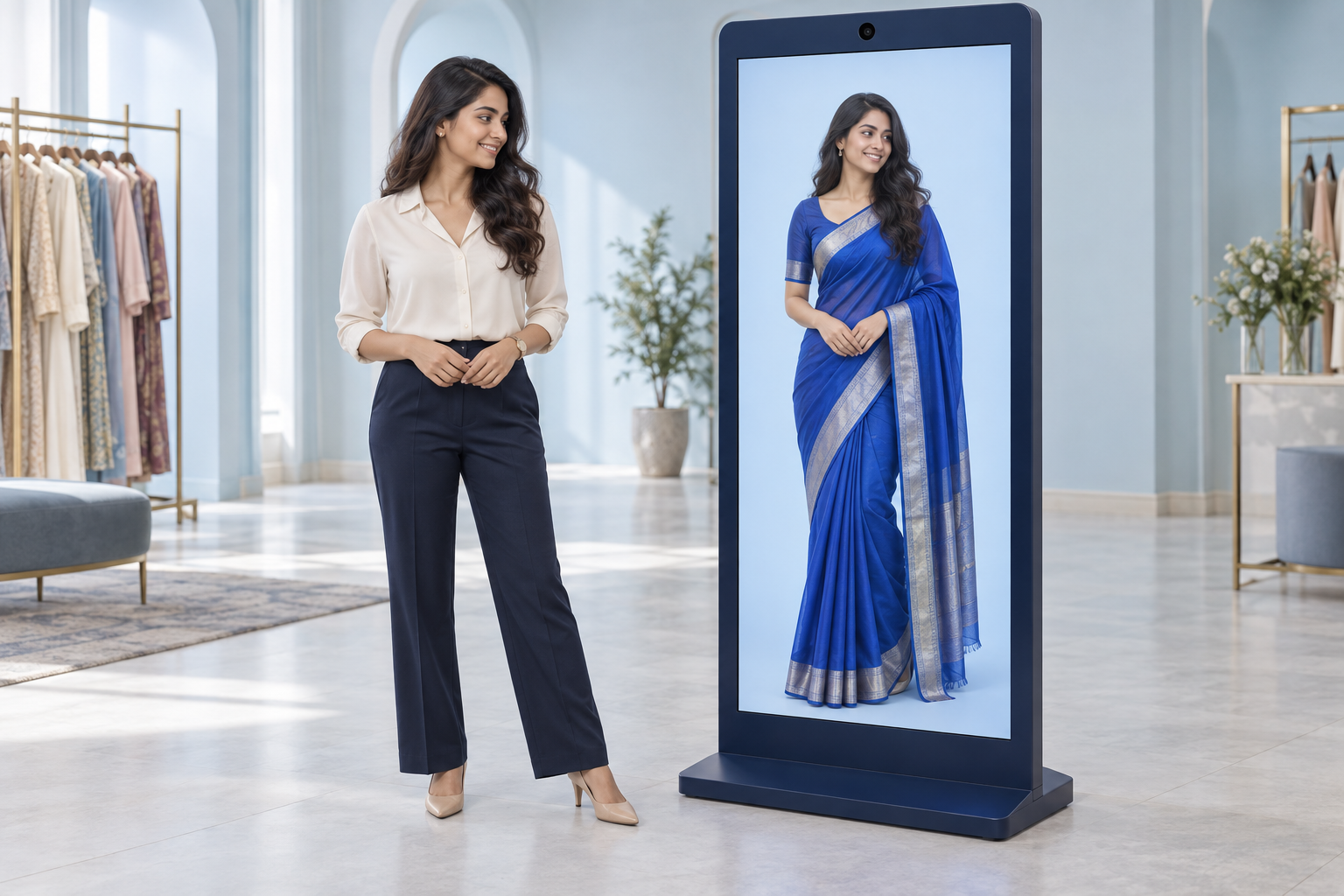
We can install a digital standee in your store so customers can see themselves in the dress they choose—right on the display.
Browse your collection and select a look on the standee.
The customer stands in front of the standee and uses its camera to capture their picture.
The standee displays an AI-generated try-on of the customer in their chosen dress.
Retailer installation option. Hardware, camera placement, catalog connection, and store setup are agreed for each deployment.
One studio. Many reasons to explore.
Help shoppers explore standout pieces for weddings, festivals, and special moments, using a photo that makes the experience personal.
Start with a focused pilot
Choose a collection, walk through the shopper journey, and review real feedback. Evaluate try-on completion, output quality, repeat use, and operational cost before expanding.
Create a personal clothing try-on from a catalog product and photo, explore standing and walking poses, generate video, and revisit or download results. Couples can combine two partners’ looks.
Apps for iPhone and Android are coming soon to the App Store and Google Play. Until then, the studio works in your phone’s browser at app.mytryonstudio.com, with the same account.
No. It is an AI-generated visualisation for style exploration, not a measurement or fit prediction. Use the retailer’s size guidance before purchasing.
The product includes tenant administration, quotas, usage reporting, and configurable service credentials. Scope the deployment and required integrations during a pilot.
Any shopping site: open the extension from Chrome’s toolbar on a product page and pick the product photo yourself. Coming soon, a MyTryOnStudio button will also appear on popular fashion and department stores so you can start a try-on in one click. It works in Google Chrome on desktop.
Coming soon. You’ll be able to choose Jewellery, Blouse, Shoes or Watch in the Chrome extension before you try it on, and the try-on will place that piece on you—necklaces on the neck, shoes on your feet, a watch on your wrist—while keeping the rest of your photo as it is.
The fashion imagery on this page is AI-created campaign artwork. It illustrates the brand direction and is not a demonstration of MyTryOnStudio output. Actual results vary with the input photo, garment, and generation.